
If your eTA is still pending and no email with next steps has arrived within 72 hours of applying, check every mail folder for an IRCC email asking for documents or an interview. If no email with an application number has arrived, IRCC asks you to use its web form (Electronic Travel Authorization → Case Specific Enquiries); replies take several days. Don’t travel until a decision is made. While you wait, you can see whether your eTA is still pending (a paid private service, separate from the Government of Canada).
Most eTAs are approved within minutes of submission. The 72-hour figure is about the email, not the decision. It applies to applications that couldn’t be resolved instantly—IRCC’s own guidance says that if your application needs longer, you should receive an email with next steps within 72 hours of applying. That email tells you the next steps — for example, a request for more documents or for an in-person interview at a Canadian visa office. If you haven’t received any of those, there are a few things worth checking before you do anything else.
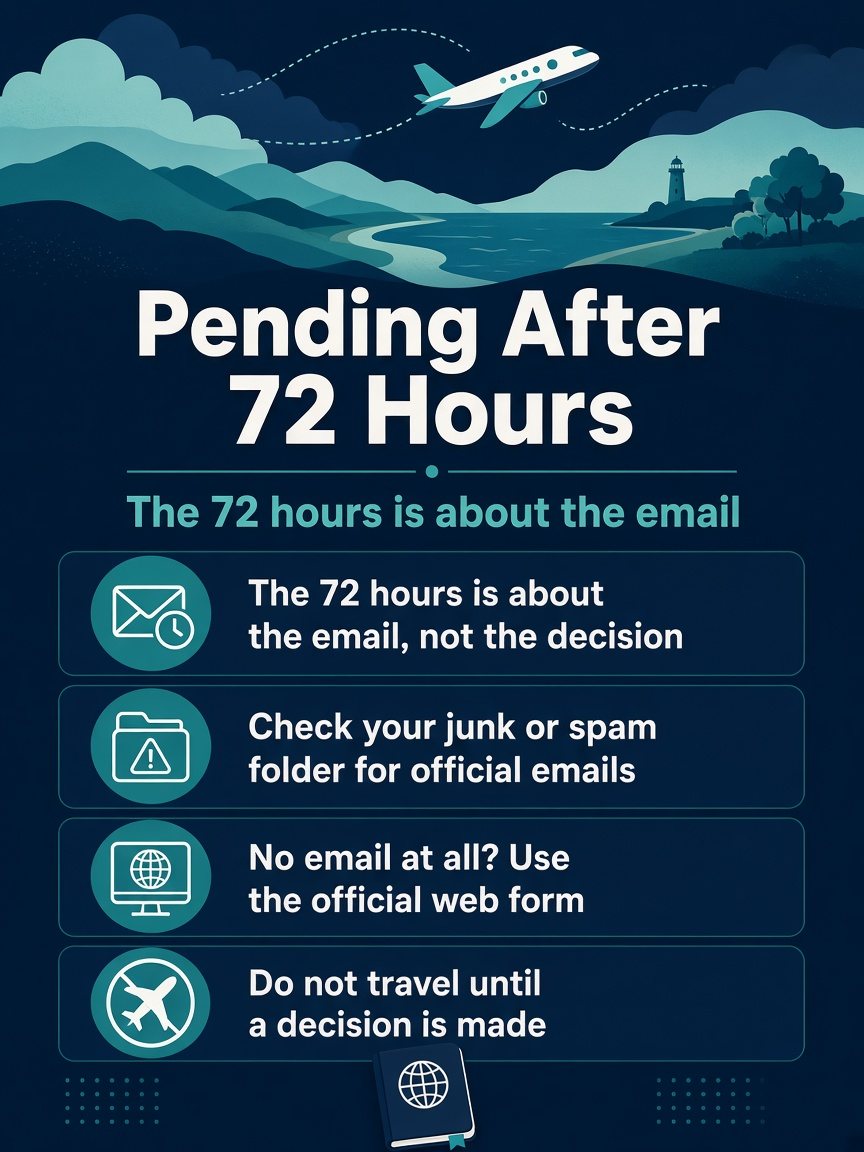
The 72-hour email is not a decision deadline
It’s easy to read “72 hours” as a promise: apply now, approved by tomorrow evening. It isn’t. The figure describes when you should hear something—an email with next steps, not necessarily an approval. For most people, that something arrives in minutes. For a smaller group, the 72-hour email tells you the next steps — for example, a document request or an interview — rather than a final decision. Some eTA requests need several days to process, and IRCC’s published processing times are estimates, not maximums or guarantees.
What this means practically: a pending status for several days is a normal state for a subset of applicants. It tells you nothing about whether the decision will be favourable. It just means your file is in the manual review queue rather than the automated one.
Why your application is on the slower track
IRCC doesn’t tell applicants why a file was routed for manual review. Its internal guidance mentions identity checks and information that needs an officer’s review. IRCC doesn’t publish a fixed timeframe for these files, only that some take several days.

If you’re a dual national or you hold travel documents from more than one country, the passport you applied with is the one you must travel on—and that matters even more once approval finally arrives.
In some cases, the slower track isn’t a review at all: it’s a document request. IRCC may need something from you before it can proceed. That request comes by email, and if it’s sitting unread in your junk folder, your application will appear to stall indefinitely while the clock runs.
What Does “Internal Processing” Mean for a Pending eTA?
If your eTA is pending and the status mentions “internal processing”, read it as “no decision yet”. Your application has been received and has not been approved or refused. It has left the instant automatic route and is waiting for review, and IRCC does not publish why a file takes this route or how long it will take. Some take several days.
What to do while it shows this: check your email and spam for a message with next steps, make sure any document request is answered, and look at the status once a day. The status changing from pending to approved or not approved is the only signal that matters.
What “A Review of Your File Is Underway” Means
If the email you received says your application has been received and a review is underway, that’s IRCC’s confirmation of receipt; it means your file moved to manual review, not that something is wrong. The next steps arrive by email, and in the meantime the status tool will still show “pending.”
How Long Has It Been?
| Time since you applied | What to do |
|---|---|
| Minutes to a few days | Normal. Watch your email, including spam; an email with next steps is due within 72 hours of applying if the decision isn’t instant. |
| 72 hours, no email at all (no application number, no next steps) | Use IRCC’s web form (Electronic Travel Authorization → Case Specific Enquiries). |
| Email asks for documents | Follow the instructions and submit before the deadline given — missing it can lead to refusal. |
| Flight before a decision arrives | Reschedule the flight; without an approved eTA there’s no boarding. |
Three things to check right now
1. Your junk or spam folder. This is the most common reason an applicant thinks nothing has happened when something actually has. Automated emails from IRCC are regularly filtered by spam systems. Check every folder—junk, promotions, spam, clutter—for any message from IRCC or from a government of Canada address. Still nothing after checking every folder? See what to check when there’s no approval email yet for the next steps. If you find a document request in there, read it carefully. The instructions will tell you exactly what to submit and how. You can find more detail on how that process works in the guide to responding to an eTA additional information request.
2. The email address you used to apply. If you have more than one email account, confirm you’re checking the right one. It sounds obvious, but it’s a genuine source of confusion, especially if you applied on a shared device or used a work address you don’t monitor closely.
3. Your application number. It usually starts with V and is at the top of the first IRCC email. The status tool also asks for your passport number, country of issue, issue date and expiry date. If you can’t locate that first email, retrieve your application details before going further—without the application number, you can’t check the status online.
Using the official status tool
You can check the status of your eTA application once you have your application number and the passport details you applied with. The tool will show you the current state of your file. “Pending” or “in progress” simply confirms what you already know—it’s still being reviewed. What you’re looking for is any change in status, or any indication that a document has been requested and not yet submitted.
Don’t check the tool every hour expecting it to update in real time. Status changes tend to happen in steps, not continuously. Check it once a day, and make sure you’re also watching your email. When your eTA is approved, you’ll receive an email containing your eTA number, and the status tool will also show the result and the eTA’s expiry date.
Once approval arrives, verify that the passport number in the email matches your actual passport exactly. An eTA is electronically linked to the passport used for the application, and that’s the passport you must present at check-in. Airline staff scan it to confirm the eTA is valid—if the number doesn’t match, you won’t board.
If your flight is in the next few days
This is where the situation becomes genuinely time-sensitive. Obtaining an eTA at the last minute may not be possible, depending on your circumstances. That’s not a scare tactic—it’s the practical reality that some applications take several days, and there’s no mechanism to expedite processing from the applicant’s side.
If your departure is within the next few days and your status is still pending, don’t wait passively. Check your email thoroughly for any document request you may have missed. If there is one and you haven’t responded, respond immediately—an outstanding document request will hold your application until you do.
If there’s no document request and the status simply shows pending, you’re in a waiting position. There’s no queue-jump available to applicants. What you can do is make sure everything else is in order so that the moment approval comes through, you’re ready to travel without any additional complications.
When to contact the airline
Airlines can’t speed up IRCC processing, and without an approved eTA the airline can’t board you — IRCC’s advice is not to travel until a decision is made and, if needed, to reschedule the flight.

If a flight is imminent, contact the airline directly—not through a third-party booking platform—about rebooking options if the eTA hasn’t arrived by check-in. If you have travel insurance that covers trip interruption or document delays, this is also the time to review what it covers and what documentation it would require.