
Your eTA is not lost — it’s stored against the passport you applied with, not in your inbox. With that passport and your application number to hand, you can look up your eTA status (a paid private service, separate from the Government of Canada) instead of digging through old emails.
On IRCC’s own Check Status tool, choose “I received an eTA” and enter your eTA number (it starts with J, at the top of the approval email) or UCI, plus the passport number, country of issue, issue and expiry dates. Still waiting for a decision? Use the application number starting with V instead.
The eTA record itself lives in a government database, tied electronically to your passport. There is no file on your phone or in your inbox that needs to exist for the eTA to be valid. What actually goes missing is one of three things: the confirmation email, the application number that came with it, or the memory of which passport you used when you applied. In some cases, a fourth problem turns up—the approval exists, but the passport number on it doesn’t match the one you’re travelling with. Each of those has a different fix, and none of them require panic. If you’re new to the eTA system, the what is a Canada eTA article explains the basics.
The single source of truth for whether you have a valid eTA is IRCC’s eTA Check Status tool. If your eTA is there and approved, the airline will confirm it at check-in by scanning your passport—you don’t need to show the email, quote the application number, or carry any printout. The approval email is useful for your own records; it isn’t a boarding pass.
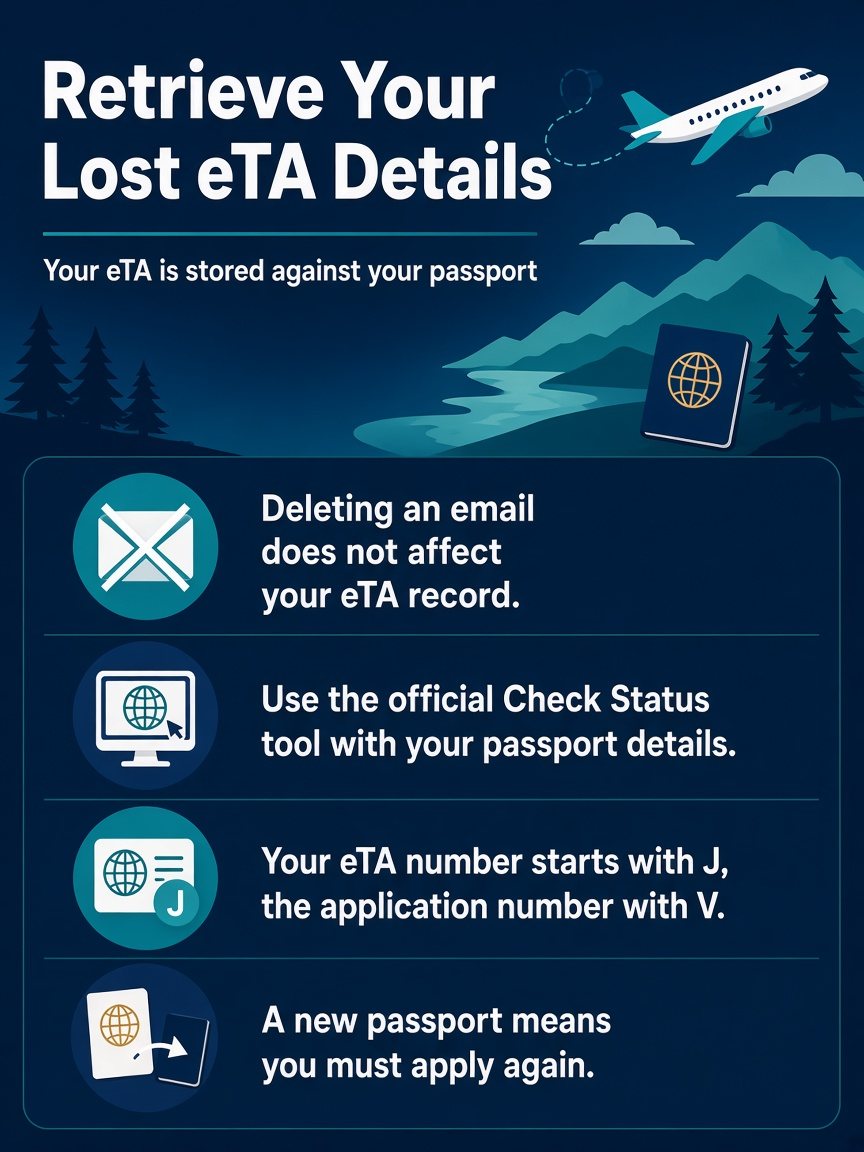
What you need to recover your eTA details
| You want to recover | What you need | Where it comes from |
|---|---|---|
| Whether your eTA is valid | Passport number, country of issue, issue and expiry dates, plus your eTA number (starts with J) or UCI | Approval email, then IRCC’s Check Status tool |
| A pending application | Application number (usually starts with V) plus the same passport details | First IRCC email, then the Check Status tool |
| The application number | Access to the inbox you applied with | Search spam and all folders for the first IRCC email |
| The passport you used | The approval email, or each of your passports in turn | The email shows the linked passport number |
| No email and 72 hours have passed | Your application date, email address and passport details | IRCC’s web form (Electronic Travel Authorization, Case Specific Enquiries) |
What ’lost’ actually means—and why the eTA itself isn’t
The eTA is electronically linked to your passport the moment it’s approved. That link is stored on the government side, not yours. Deleting an email, losing a phone, switching email providers, forgetting a password—none of those actions touch the eTA record. The only way an eTA stops being valid is if it expires (either five years pass or the linked passport expires, whichever comes first), if you get a new passport, if it’s cancelled, or if a specific suspension applies to your situation.
This matters because the instinct when you can’t find the email is to reapply. In most cases, reapplying is unnecessary and means paying again for something you already have. Before you do anything, run the status check.
The four things that go missing and how to find each one
| What’s missing | What to do |
|---|---|
| Confirmation email | Search your inbox for “eTA” and “Canada”. Check your spam and junk folders—automated government emails frequently land there. Also check any secondary email addresses you might have used. This is the email that carries your application number, starting with V, which the status tool asks for. |
| Application number | Search your inbox again for the first IRCC email—the application number, usually starting with V, is at the top of it. If you truly can’t find it and 72 hours have passed since you applied, use the IRCC web form. |
| Which passport I used | Look at the approval email if you can find it; it shows the passport number the eTA is linked to. If you’ve had more than one passport, try each one’s details in the status tool. The eTA is linked to the specific passport you used at application. |
| Approval has the wrong passport number | This is the one case where the eTA genuinely cannot help you at the border. Entering the wrong passport number on the application can cause problems when flying to Canada. You’ll need to apply again with the correct passport. |
The approval email, when you do find it, contains your eTA number and confirms which passport the authorisation is tied to. If you want a fuller breakdown of what that email contains and what each field means, the Canada eTA approval email explained article on this site walks through it. If you’re still not sure which of these situations applies to you, this checklist for a Canada eTA linked to the wrong or lost passport works through each scenario in more detail.
How to confirm you have a valid eTA (the status tool)
The eTA status check tool is found under “Electronic travel authorization (eTA)” on the IRCC application status page. It has two modes. If you’re still waiting for a decision, choose “I haven’t received a decision” and enter your application number (usually starts with V) plus the passport details you applied with. If your eTA has already been approved, choose “I received an eTA” and enter the eTA number from your approval email (starts with J) or your UCI, plus the same passport details. If you’ve held several passports, try the details of each one—the tool matches on the passport you applied with.
What the status tool asks for
- Which mode you want: still waiting for a decision, or an eTA you already have
- Application number (usually starts with V) if you’re still waiting for a decision, or your eTA number (starts with J) if it’s already approved
- Passport number
- Country/territory that issued the passport
- Passport issue date and expiry date
When the tool returns an “approved” result, that’s your answer. The eTA is valid. Airline staff will scan your passport at check-in and confirm it on their end without you doing anything else. You don’t need to show a printed copy, quote a number, or carry any documentation relating to the eTA itself—you must simply present the same passport that was used for the application.
A result of “pending” means the application is still being processed. Most decisions arrive within minutes of applying, but some may take longer. If you’re in this situation close to a departure date, that’s a real problem—leave paperwork as late as the days before a flight and you remove your margin. If the status has been pending for longer than you’d expect, the eTA application still pending article covers what to do next.
When you genuinely need to apply again
Most of the time, you don’t. But there are specific situations where a new application is the only path forward.
You’ve renewed your passport. The eTA is tied to the passport used at the time of application. A new passport means a new eTA—the old one doesn’t transfer, even if the previous passport hasn’t expired yet. If you applied with a passport that has since been replaced, the status tool will show the old approval, but it won’t work with your current travel document.
The passport number on the approval is wrong. If you—or whoever helped you apply—entered the wrong passport number, the eTA is linked to a number that doesn’t exist or belongs to an old document. That mismatch will surface when the airline scans your passport at check-in. There’s no way to correct a submitted application after the fact; the only fix is a fresh application with the accurate passport details. Make sure every detail on the new application matches the passport exactly—name spelling, date of birth, passport number, expiry date. A single character off can create the same problem again. More on what happens in that scenario is at Canada eTA wrong passport number.
The eTA is expired. Valid for up to five years or until the linked passport expires—whichever is sooner. If you applied several years ago, check the expiry. The status tool will reflect whether it’s still active.
The status tool returns no record, or an error, more than 72 hours after you applied. IRCC’s guidance in that situation is to use its web form, choosing “Electronic Travel Authorization” and then “Case Specific Enquiries”; replies can take a few days. If your flight is close and you can’t wait for a reply, applying again is the practical fallback—don’t leave this until the days before your flight, since booking non-refundable travel before you have a confirmed approval puts you in a difficult position.
If you’re booking a flight and still can’t confirm
The practical question here is whether it’s safe to book travel before you’ve confirmed your eTA status. The short answer: confirm first.
If the status tool shows an approved eTA linked to the passport you’ll be travelling with, you’re set. The airline will scan the passport and the eTA will be confirmed at check-in automatically. You don’t need to do anything else before booking.
Should the status be unclear—pending, not found, or linked to a passport you’re no longer using—resolve that before committing to non-refundable tickets. An approved eTA is what makes you eligible to board a flight to Canada; without it, the airline cannot let you on the plane regardless of what other documents you hold. A receipt, a payment record, or a screenshot of an old application form carries no weight at check-in.
One situation worth knowing about: if your eTA has been suspended due to a temporary government measure, it will be automatically reactivated when those measures end, without any action required from you—but the suspension does not extend the eTA’s expiry date. The status tool will reflect the current state. If you see a suspended status and aren’t sure why, checking IRCC’s special measures pages on canada.ca will tell you whether a temporary suspension applies to your circumstances.
Dual nationals have an additional wrinkle. If you hold citizenship in a country that requires an eTA and you also hold Canadian citizenship, you don’t need an eTA—but you do need a valid Canadian passport to board a flight to Canada. The Canada eTA for dual nationals article covers which passport to use and why it matters for check-in.
No application number? What to do
- Search every folder of the inbox you used to apply—including the webmail version—for the first IRCC email; the application number is at the top of it, starting with V.
- If you’ve applied more than once or used more than one email address, check each account.
- If more than 72 hours have passed since you applied and there’s still nothing, use IRCC’s web form (Electronic Travel Authorization → Case Specific Enquiries); a reply can take a few days.
- If your flight is close and there’s no time to wait for a reply, applying again with accurate passport details is the practical fallback.
FAQ
How do I retrieve my Canada eTA? You do not retrieve a document, because the eTA is stored against your passport. Open IRCC’s Check Status tool, choose “I received an eTA”, and enter your eTA number or UCI with your passport details. The airline confirms it at check-in by scanning the passport.
How do I check my eTA status without an application number? The tool asks for a number, so start by searching every folder of the inbox you applied with for the first IRCC email, where the application number starts with V. If the eTA was already approved, your eTA number (starts with J) or UCI works instead. If more than 72 hours have passed and nothing arrived, use IRCC’s web form.
Where do I find my Canada eTA number? It is at the top of the approval email and starts with J. The same email shows the passport number the eTA is linked to.
Do I need to print my eTA or show the email? No. The eTA is electronic and linked to your passport, so you only present the passport you applied with.